Strong Password Generator- Online
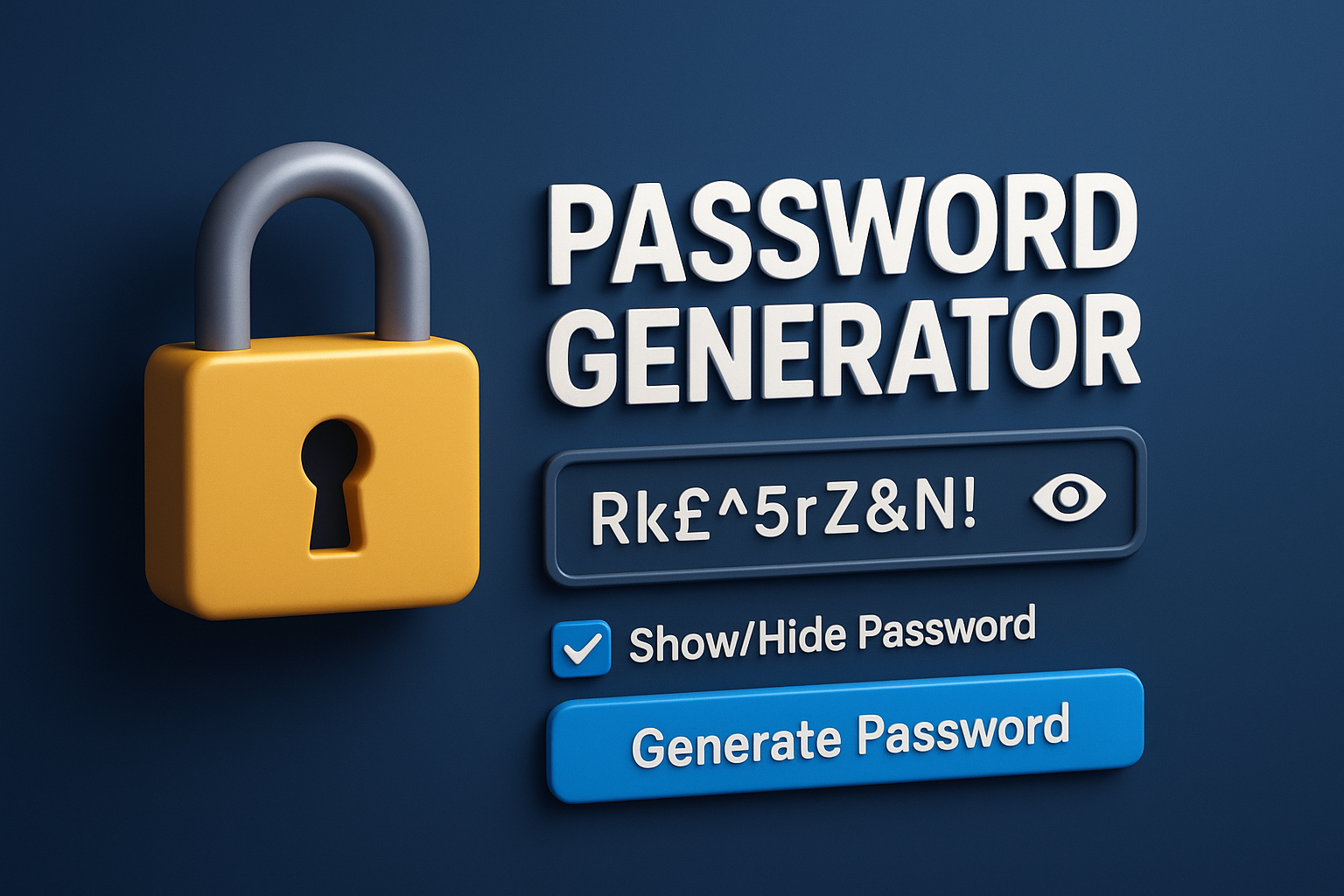
Use our free Password Generator to quickly create extremely safe and distinctive passwords. Change the length, numbers, symbols, and other elements. Create secure, one-click passwords to safeguard your online accounts.
The simplest and safest method for creating strong, one-of-a-kind, and unbreakable passwords in a matter of seconds is to use a password generator. This tool allows you to create a password that is completely safe and meets your demands by allowing you to customize its length, capital letters, digits, and special characters.
Our Password Generator guarantees that every password is entirely random and extremely resistant to hackers, whether you want to secure your email, social media accounts, bank logins, or any other online service. It is perfect for anyone who wants the highest level of online protection with the least amount of work because of its easy-to-use, quick, and beginner-friendly interface. You can also use our Derivative Calculator to to instantly find the rate of change (derivative) of a function, showing how one variable changes as anotherchanges, which is crucial for finding slopes, max/min values, velocity, and optimization; it simplifies complex calculus problems by applying rules like power, product, and chain rules, offering step-by-step solutions for students and professionals in math, science, engineering, and economics.
Strong Password Generator
Create Strong & Secure Passwords Instantly
Online security starts with a good password. In today’s digital age, where data breaches and hacking attempts happen more and more often, choosing weak or repeated passwords can put your personal information in a lot of danger. A Password Generator can help you make strong, one-of-a-kind, and hard-to-guess passwords in only a few seconds. This will keep your online accounts safe.

What is a Password Generator?
A password generator is an internet program that makes strong, random passwords by mixing letters, numbers, and special characters. These passwords, which are made by a computer, are far harder to guess or break than passwords you make yourself. This adds an added degree of security to your accounts.
Why Do You Need a Password Generator?
Cybercriminals can break weak passwords in minutes with the help of modern tools. It’s also risky to use the same password everywhere. A password generator takes care of all of these problems by:
- Making passwords that are random and hard to guess
- Lowering the chance of hacking
- Keeping your personal and financial information safe
- Ensuring every account has a unique password
- It’s the best method to keep safe online.
Important Things to Look for in a Good Password Generator
- Options for custom length
You can decide how lengthy your password should be. In general, lengthier passwords are safer.
- A mix of letters and numbers
A good generator has:
Big letters
Small letters
Digits
Special characters (@, #, $, ?)
This mix makes it almost impossible to break.
- Generation with One Click
With just one click, you can make strong passwords right away—no effort, no waiting.
- Button to Copy to Clipboard
It’s easy to duplicate the password that was made and use it anywhere.
- Totally free and safe
It doesn’t cost anything to use most online password generators, including yours, and they don’t keep any passwords. The user’s device makes everything.
Using a Password Generator has many benefits, including stronger security.
Passwords that are random are far safer than ones that are personal or easy to guess, such names, birthdays, or simple patterns.
No Patterns That Can Be Guessed
The password is made up of random letters and numbers, so it doesn’t have any personal information in it, which makes it impossible to guess.
More Privacy
Even if someone tries to hack your accounts in advanced ways, they will stay safe.
Saving Time
The Password Generator makes a strong password for you right away, so you don’t have to think about it for minutes.
How to Make a Password?
It’s quite easy to use a Password Generator:
- Choose how long the password should be.
- Select the types of characters (letters, numerals, symbols)
- Press the button that says “Generate Password.”
- Copy the password and use it when you need it
- That’s all! Your password is now safe!
How to Make the Perfect Password?
- Always use at least 12 characters.
- Add special characters to make it stronger.
- Don’t use the same password again.
- Stay away from personal information like names or dates.
- Think about utilizing a password manager to keep all of your passwords safe.
Who Should Use a Password Maker?
Everyone! But most of all:
- Kids
- People who work for themselves
- People who use social media
- People who utilize online banking
- People who run websites
- People who have more than one account online
- In short, anyone who wants to be safe online.
Conclusion
One of the best ways to keep your digital life safe is to utilize a Password Generator. With only one click, it helps you make strong, unique, and very safe passwords. A strong password is the first thing you should do to protect your email, social media, bank accounts, or company portals.
Stay safe and smart… and let the Password Generator take care of your safety.